
Mode Toasts
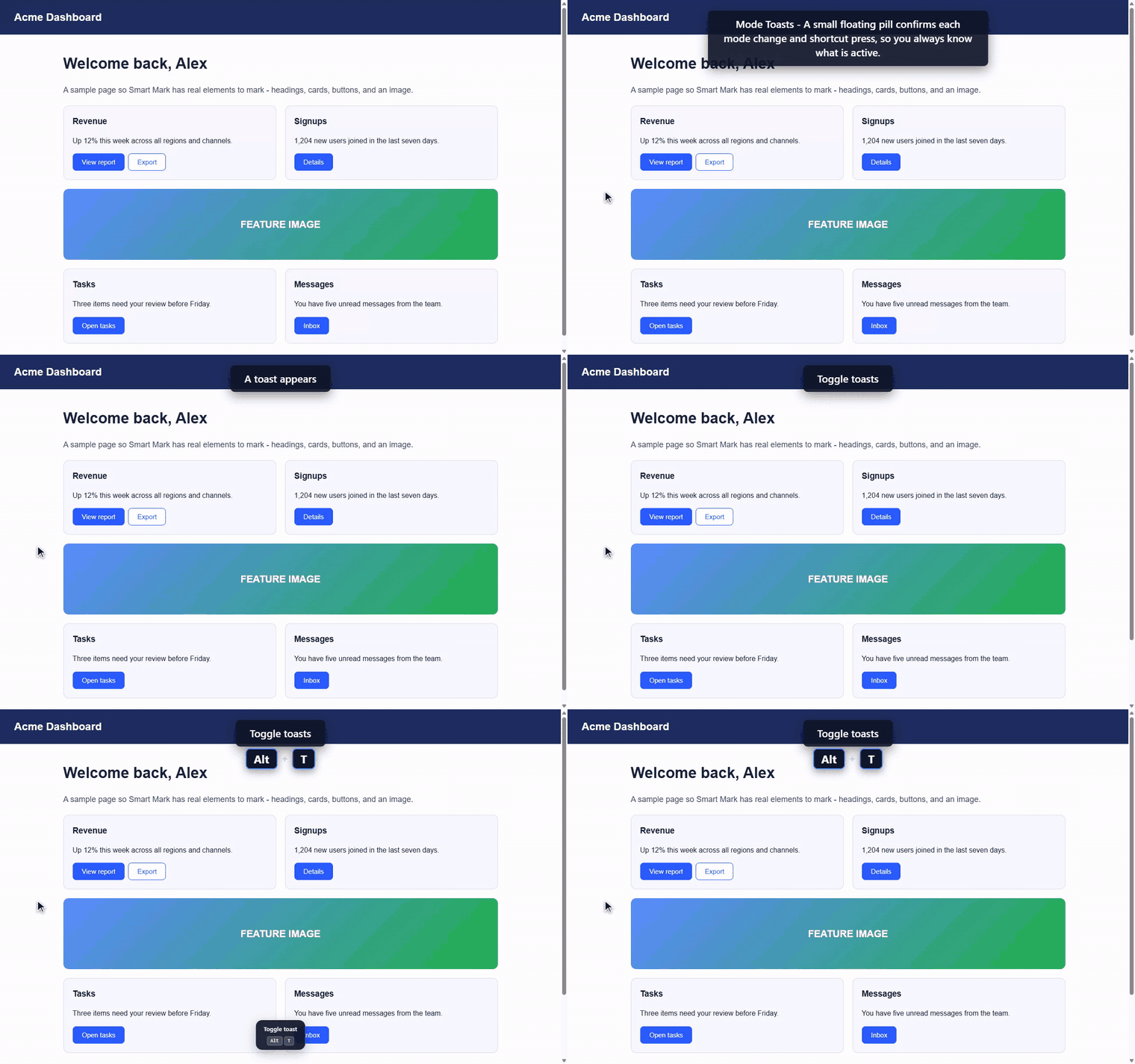
A small floating pill confirms each mode change and shortcut press, so you always know what is active. You can turn it off or hide the key combo.
Before you start
- Smart Mark installed.
Step by step
- Trigger any mode - a toast appears at the bottom of the page.
- Press
Alt + Tto toggle the toast on or off. - Options > Notifications: switch the toast and the key combo line inside it on or off, set Toast duration (0.5-5 s), Toast fade, and Toast position (bottom or top).
Other notices
- Desktop notifications: a system notification when Smart Mark starts loading on a page and when it is ready. On by default; switch it off in Options > Notifications.
- Hide toast and Hidden count badge: the count shown after you hide a layer, and the number on the toolbar icon (see Hide Layers).
Tips
- Toggle combo display and Toggle desktop notifications have no default key. Give them one in Options > Keyboard Shortcuts if you switch them often.
Shortcuts used here
| Keys | Action |
|---|---|
Alt + T | toggle the shortcut toast on/off |
The combos above are the defaults; every one of them can be rebound on the Options page.