
Screenshot with Markers
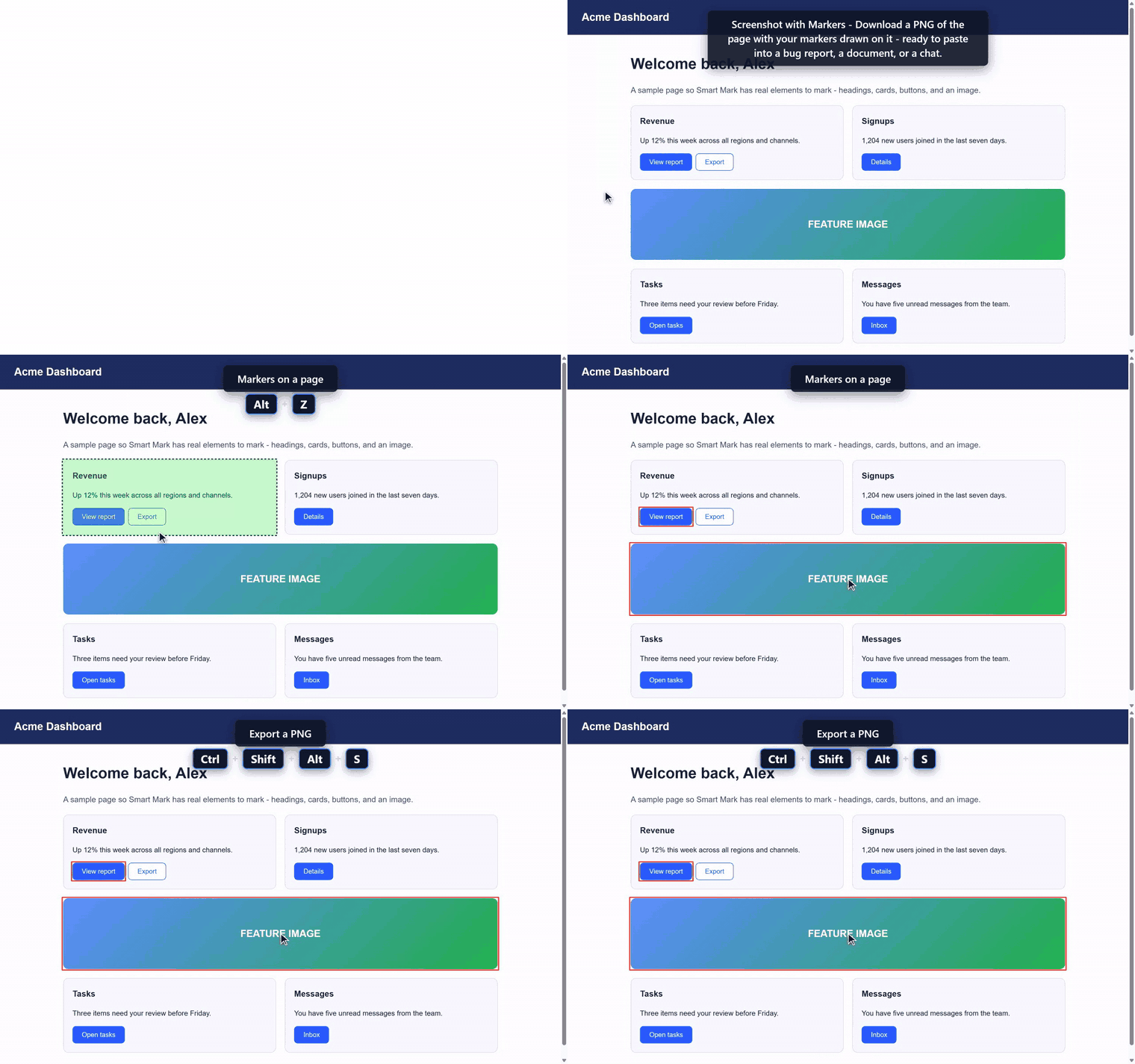
Download a PNG of the page with your markers drawn on it - ready to paste into a bug report, a document, or a chat.
INFO
Available from Smart Mark 1.1.0. If your installed version is older, this feature arrives with the next Chrome Web Store update.
Before you start
- Smart Mark installed.
- A page with at least one marker on it.
Step by step
- Mark what you want to point out.
- Press
Ctrl + Shift + Alt + S. - Smart Mark renders the page together with its markers and downloads
smart-mark-<site>-<date>.png. - A toast confirms the download, or tells you when the page could not be rendered.
Tips
- Toasts and the numbered image-marking boxes are left out of the picture.
- Layers you hid stay hidden in the picture (see Hide Layers).
- The image is made inside your browser. Nothing is uploaded.
Shortcuts used here
| Keys | Action |
|---|---|
Ctrl + Shift + Alt + S | download a PNG of the page with its markers |
The combos above are the defaults; every one of them can be rebound on the Options page.